Studio
Done
Dacoit Design
$150K+ revenue in the first 9 months. 50+ clients across 4 countries. 8 industries in 2025 alone.
For iOS/Mac builders stuck between Notes, Figma, Cursor, and TestFlight. Book a $300 Context Hour to cut decision debt: what to ship, what to kill, what to fix first, and why users should care.
MAT: LIVE ON THE APP STORE · 5 PRODUCTS TOP-5 ON PRODUCT HUNT · EX-POLYGON BRAND LEAD · $150K+ STUDIO IN 9 MONTHS
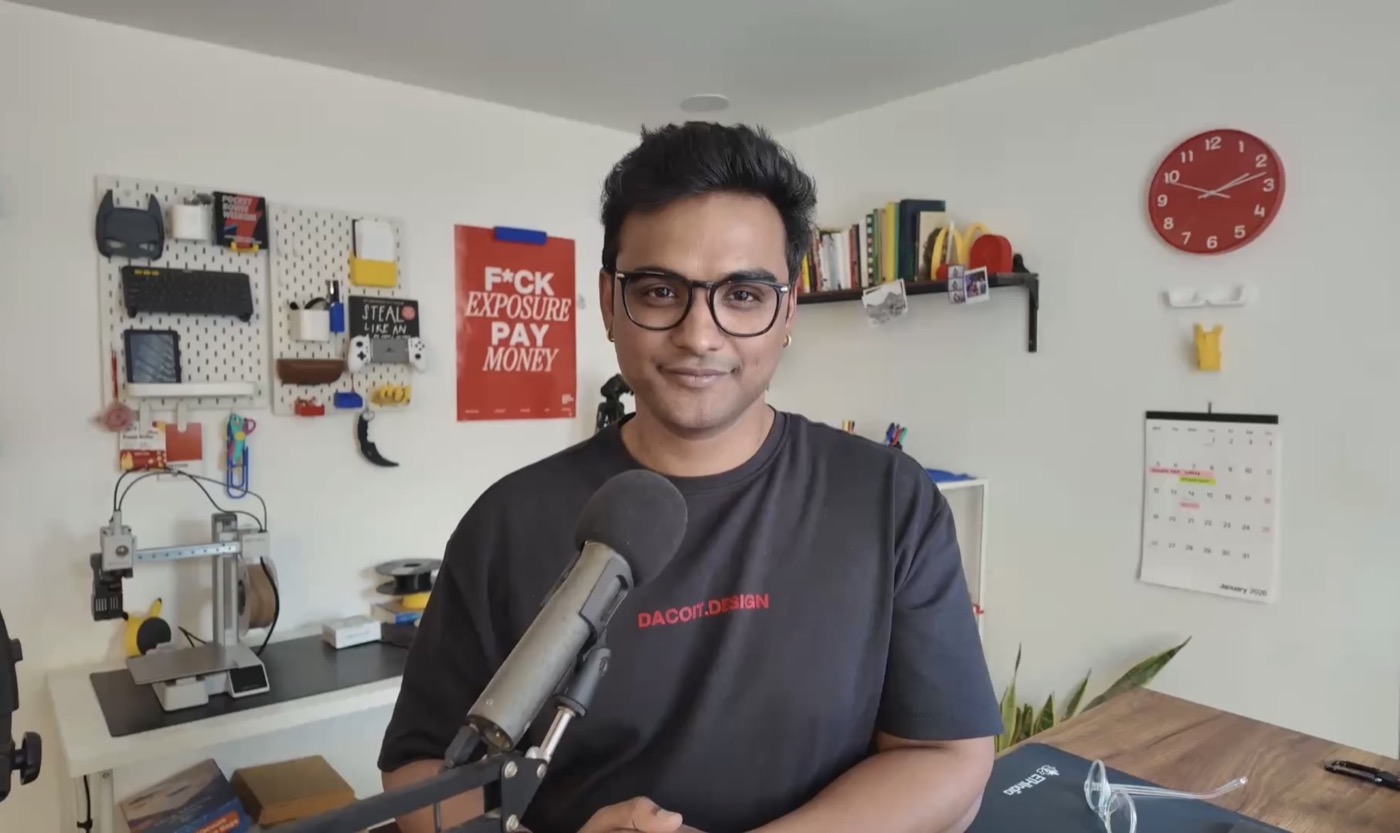
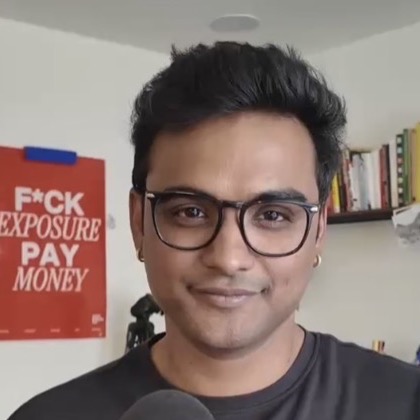 hi, I'm Rahul.
You already have the hard part: a real app idea.
But every week it stalls somewhere familiar: scope keeps growing, the UI doesn't feel native, AI opens ten directions, and App Store submission keeps moving to "next week."
That is decision debt. A worse app can still win if it ships first.
$150K+ revenue in the first 9 months. 50+ clients across 4 countries. 8 industries in 2025 alone.
Lead brand designer at Polygon, 100+ designs shipped. Brand work around Base, dYdX, Solana, MetaMask, 1inch, ETHGlobal, Farcaster.
4 Mac apps in one week with Claude Code. 5 products shipped, all top-5 on Product Hunt. Trained my own designer agents.
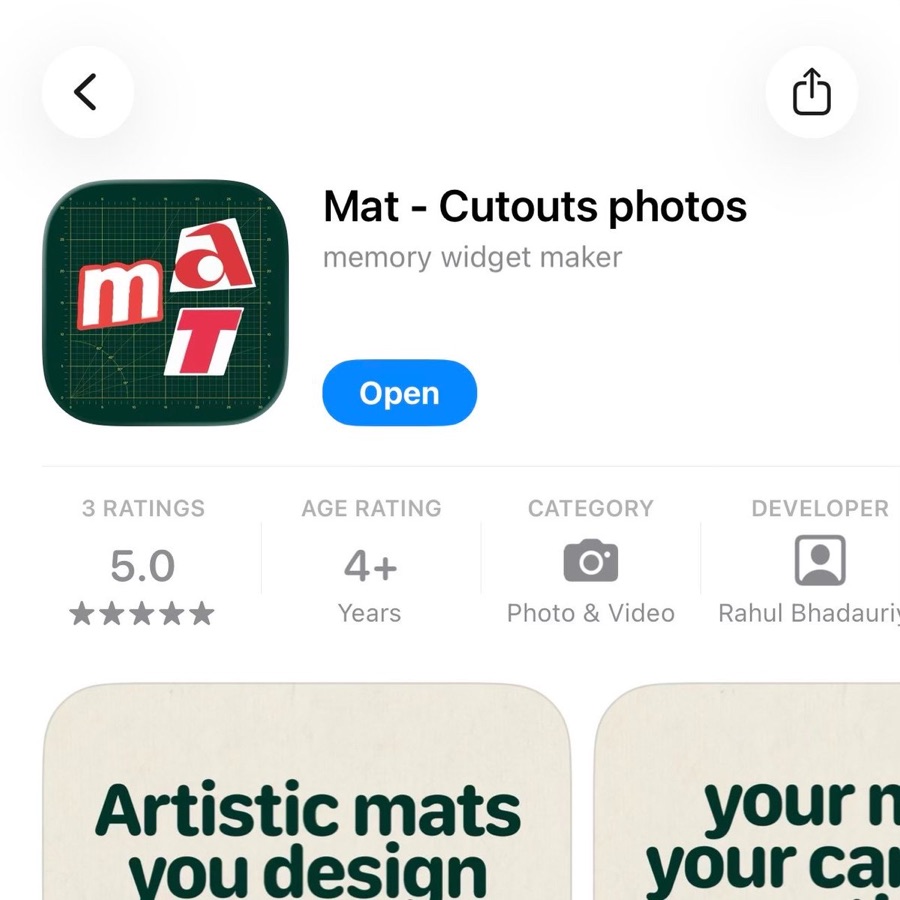
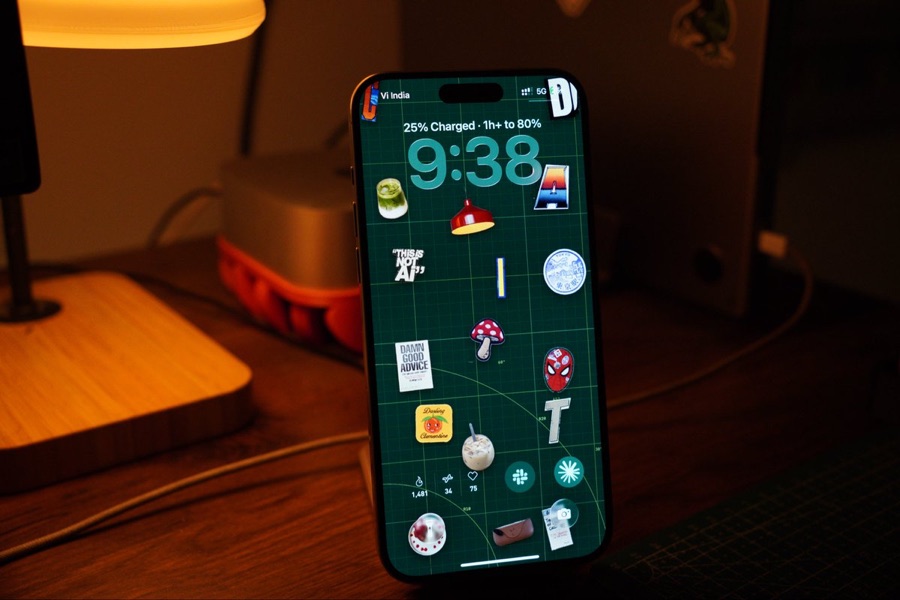
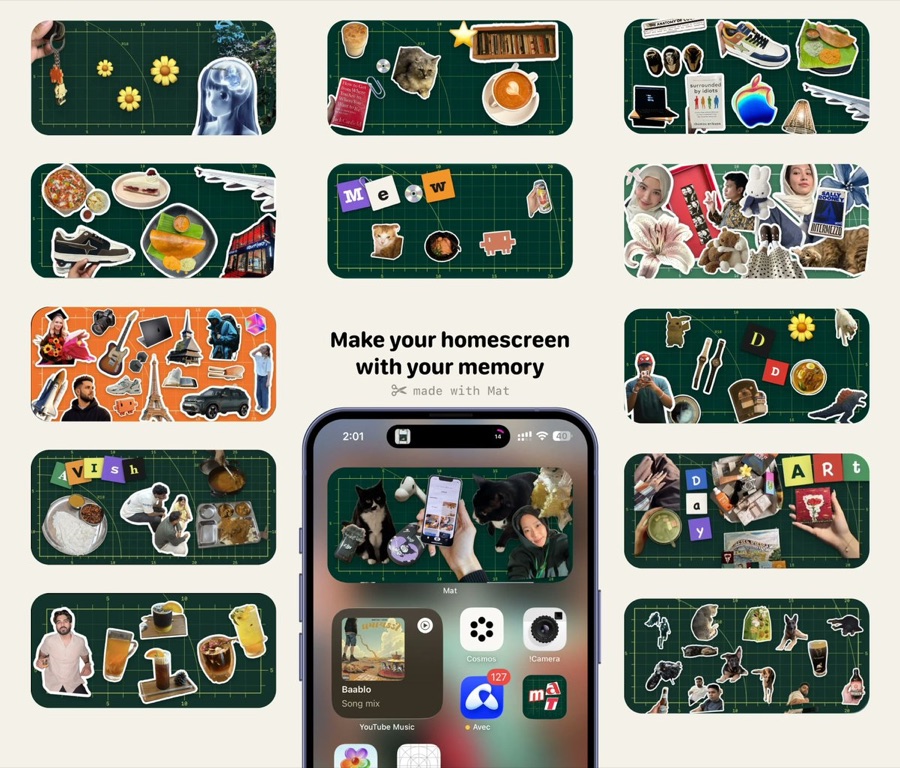
App Store live. 1M+ impressions. 3,000+ users. 2,000+ mats created.
"Most apps don't die from bad code. They die from unclear decisions."
Rahul
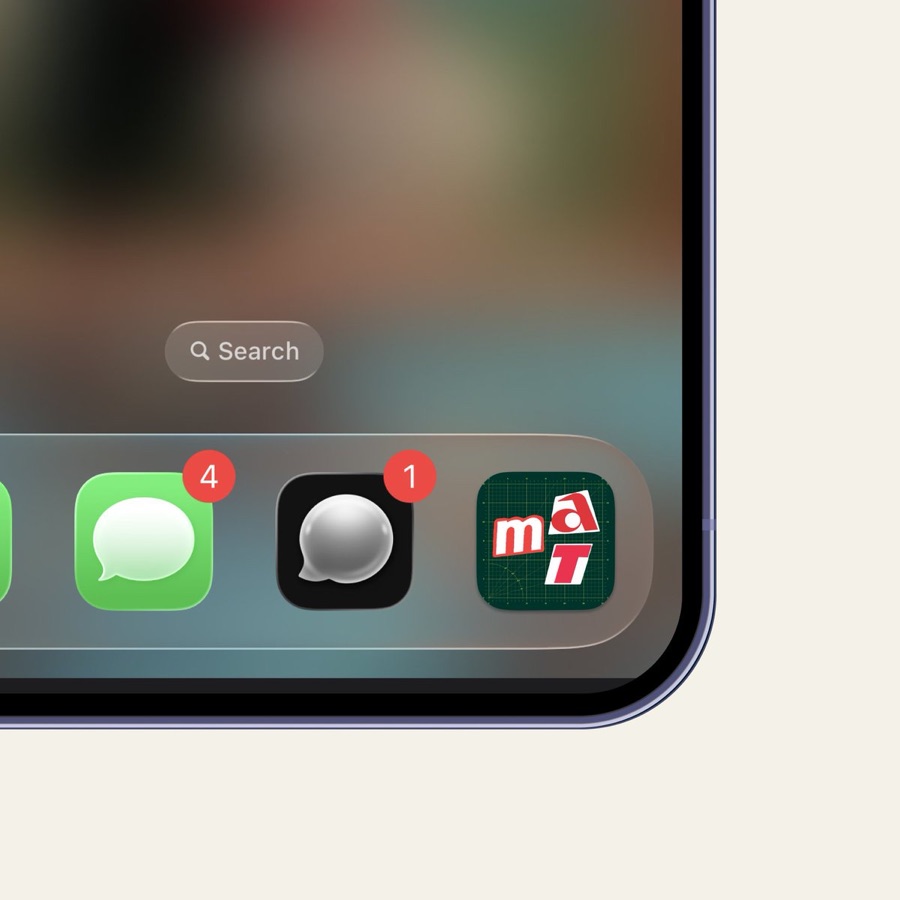
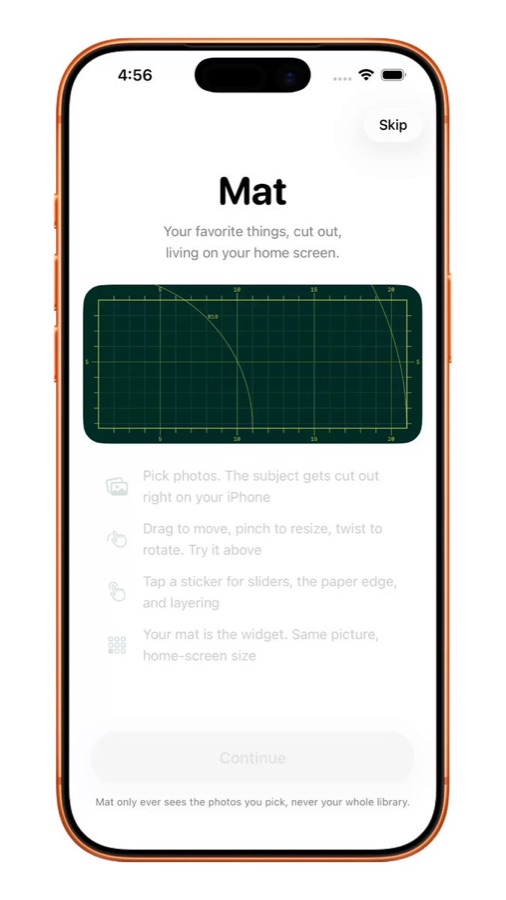
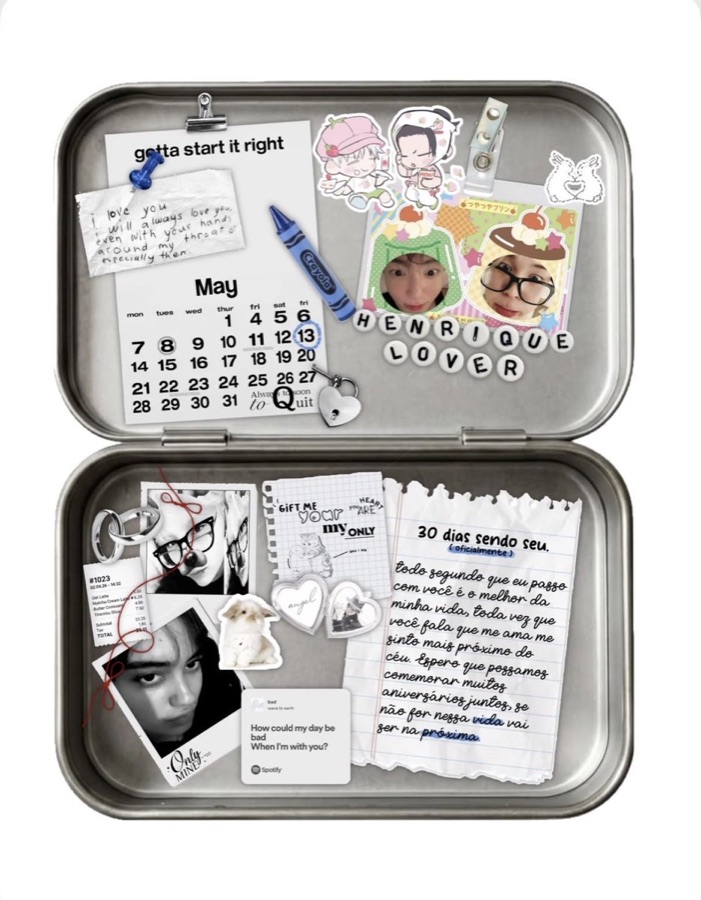
Icons, onboarding, flows, and native UI decisions from past iOS/Mac work.
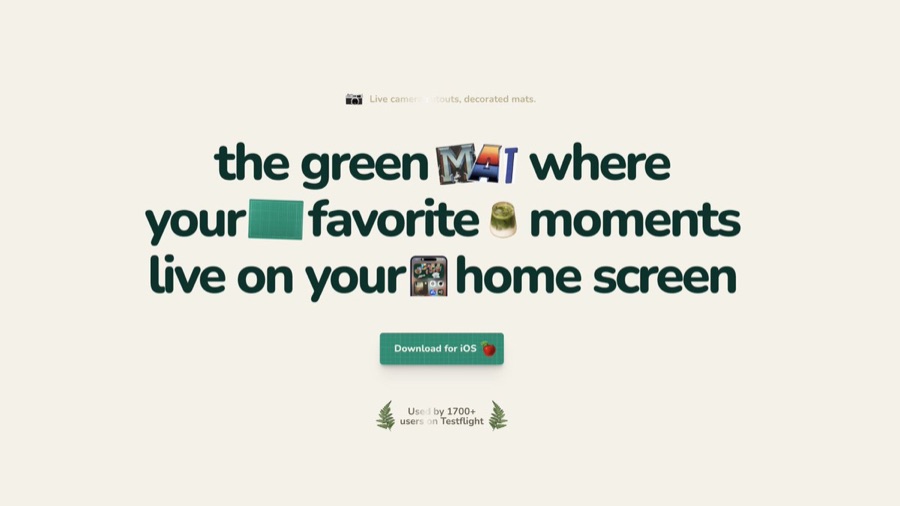
Mat is live on the App Store. The AI-native iOS/Mac workflows are real. The point is not the résumé: it's that your app gets product, design, brand, AI, and shipping judgment from someone who has done the work.
 Download Maton the App Store →
FOUNDER QUOTE
Built with Claude, Cursor, or Codex? The blocker usually isn't code. It's deciding what to cut, what should feel native, and what ships first.
AI can move your app faster, or let you explore 40 versions instead of choosing one. The session turns the workflow back into one shippable path.
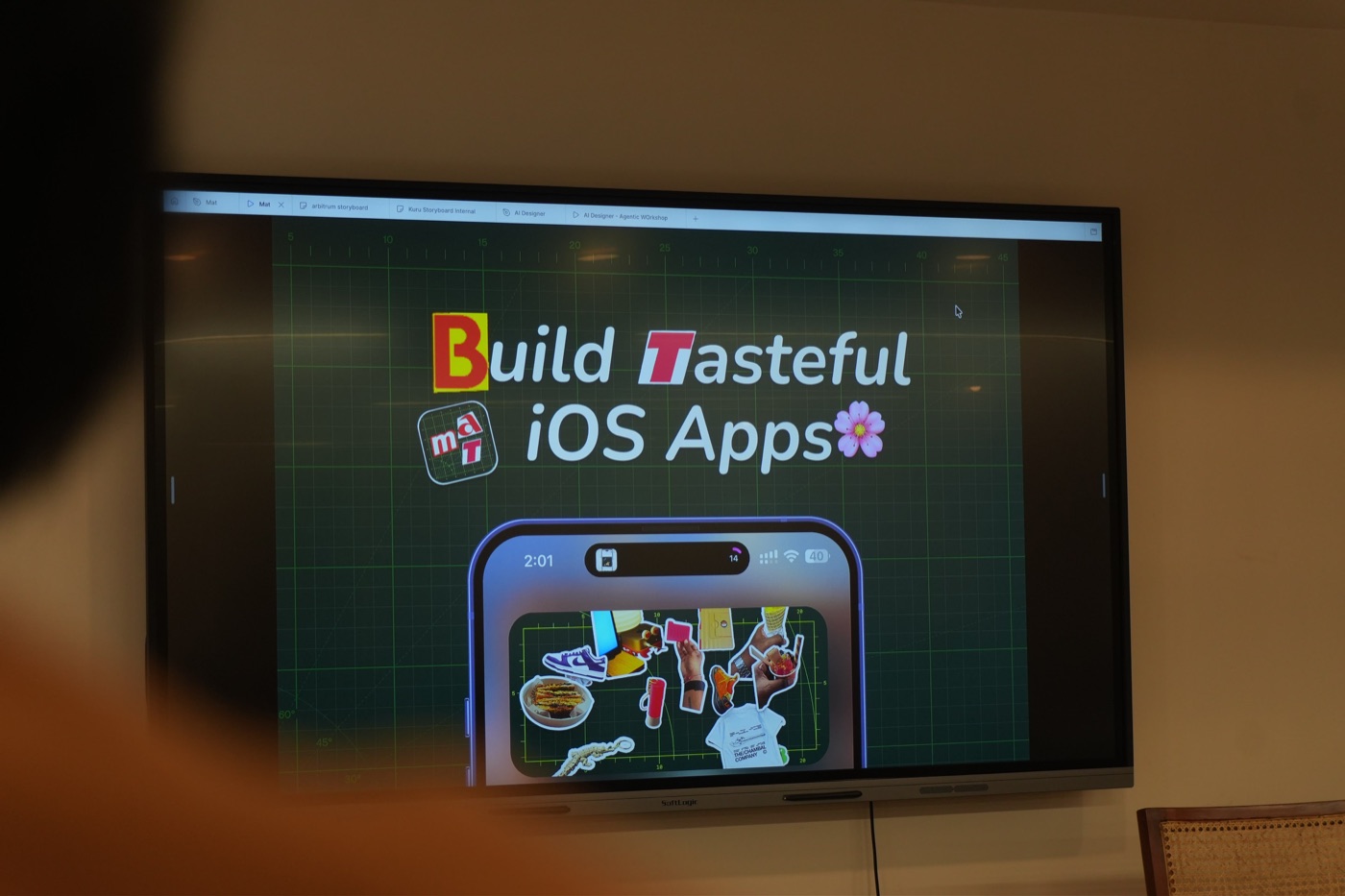
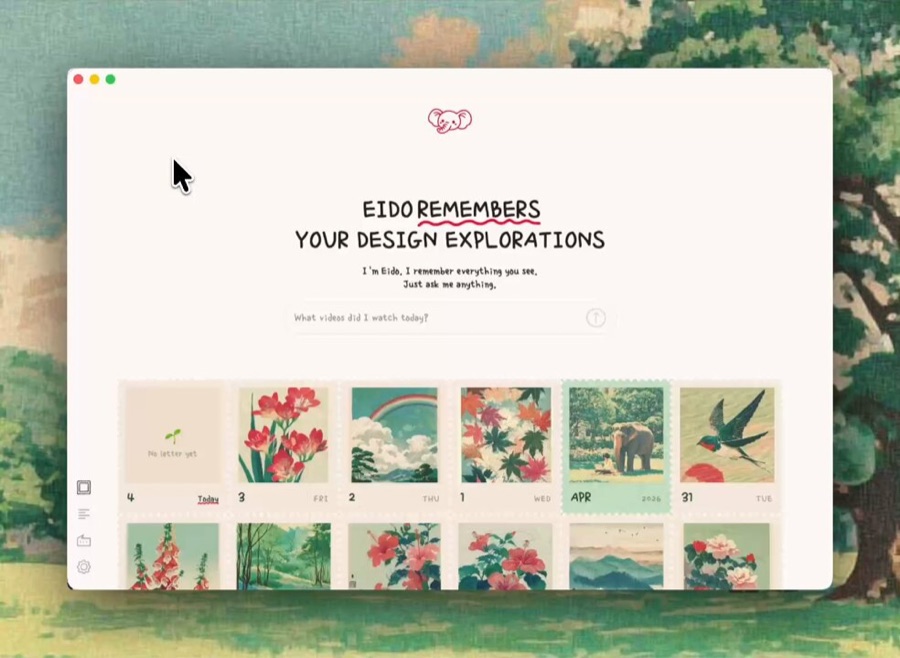
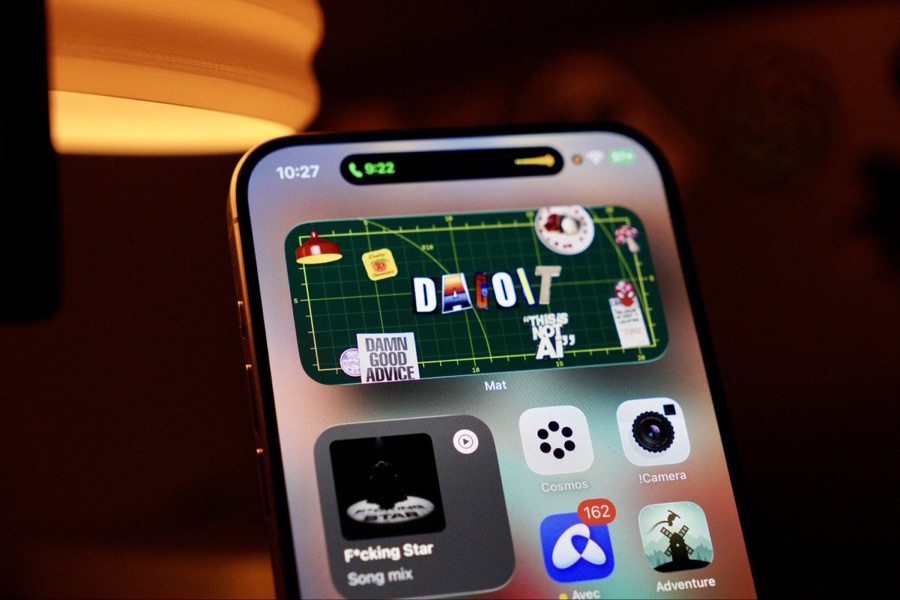
AI can generate options. Taste decides what ships.
No generic curriculum. The Context Hour goes wherever your app is stuck, and we work there live until the next shippable decision is clear.
One prompt, run in your own AI tool, turns everything it knows about your project into a short, honest brief covering:
You are helping me prepare for a 1:1 working session with an AI-native
creative technologist who will help me design, brand, and ship my iOS/macOS
app. Use everything you know about my project (this codebase, our chat
history, my notes) to fill out the brief below. Answer AS the project,
concisely. Where I've been vague or haven't decided something, say so plainly
instead of inventing an answer. Those gaps are the most useful part.

Output exactly these fields:
1. ONE-LINE PITCH: what this app is, in one sentence.
2. WHO IT'S FOR: the single clearest user. Not "everyone."
3. THE PROBLEM: what real problem it solves for that user.
4. CORE FLOWS: the 1-2 main things a user actually does. List them.
5. PLATFORM & STACK: iOS/macOS, language, frameworks, key tools, AI tools.
6. CURRENT STAGE: idea / prototype / building / in TestFlight / shipped.
7. WHAT'S ACTUALLY BLOCKING ME: the real reason it isn't shipped yet.
8. DECISIONS ALREADY MADE: architecture, design, or product calls locked in.
9. WHERE I'M HAND-WAVING: the parts I clearly haven't thought through, keep
   dodging, or contradict myself on. Be honest here.
10. WHAT "DONE" LOOKS LIKE: what I'd need to walk away from these sessions
    feeling it was worth it.

Keep the whole thing under 400 words. Don't flatter the project.If they fit your project, you'll also get the Claude skills, prompts, and workflow templates used while building Mat and other iOS/Mac apps.
I don't just redesign screens. If we work together, we define the result before we touch the design, then capture what changed after launch.
Can a buyer understand who it's for, what pain it removes, why now, and why this app beats doing nothing?
We collect the words people use when they react, ask questions, get confused, or finally understand the product.
Signups, booked calls, TestFlight interest, App Store story, replies, saves, and whatever metric proves the next version is sharper.
This becomes your proof asset for future launches: what changed, what shipped, and why the product is easier to sell.
Book a Context Hour when your app is stuck between "almost ready" and actually shippable. We'll diagnose the decision debt, fix the buyer-facing story, and choose the cleanest next move: fix it yourself, book a Ship Block, or apply for a Ship Sprint.
Bonus: relevant Claude skills/prompts if they fit your project.
Book a Context HourIncludes the AI-native toolkit: Claude skills, prompts, review checklists, workflow templates.
Book a Ship BlockIncludes the full toolkit plus custom workflow recommendations for your app.
Apply for a Ship SprintIf you're unsure, book the Context Hour first. The job is simple: stop circling, make the next shippable decision, and only go deeper if the app actually needs it.
PAYMENTS AND PROJECT TERMS ARE HANDLED THROUGH CONTRA. SCHEDULING AND INTAKE HAPPEN THROUGH CAL.COM AFTER PURCHASE.
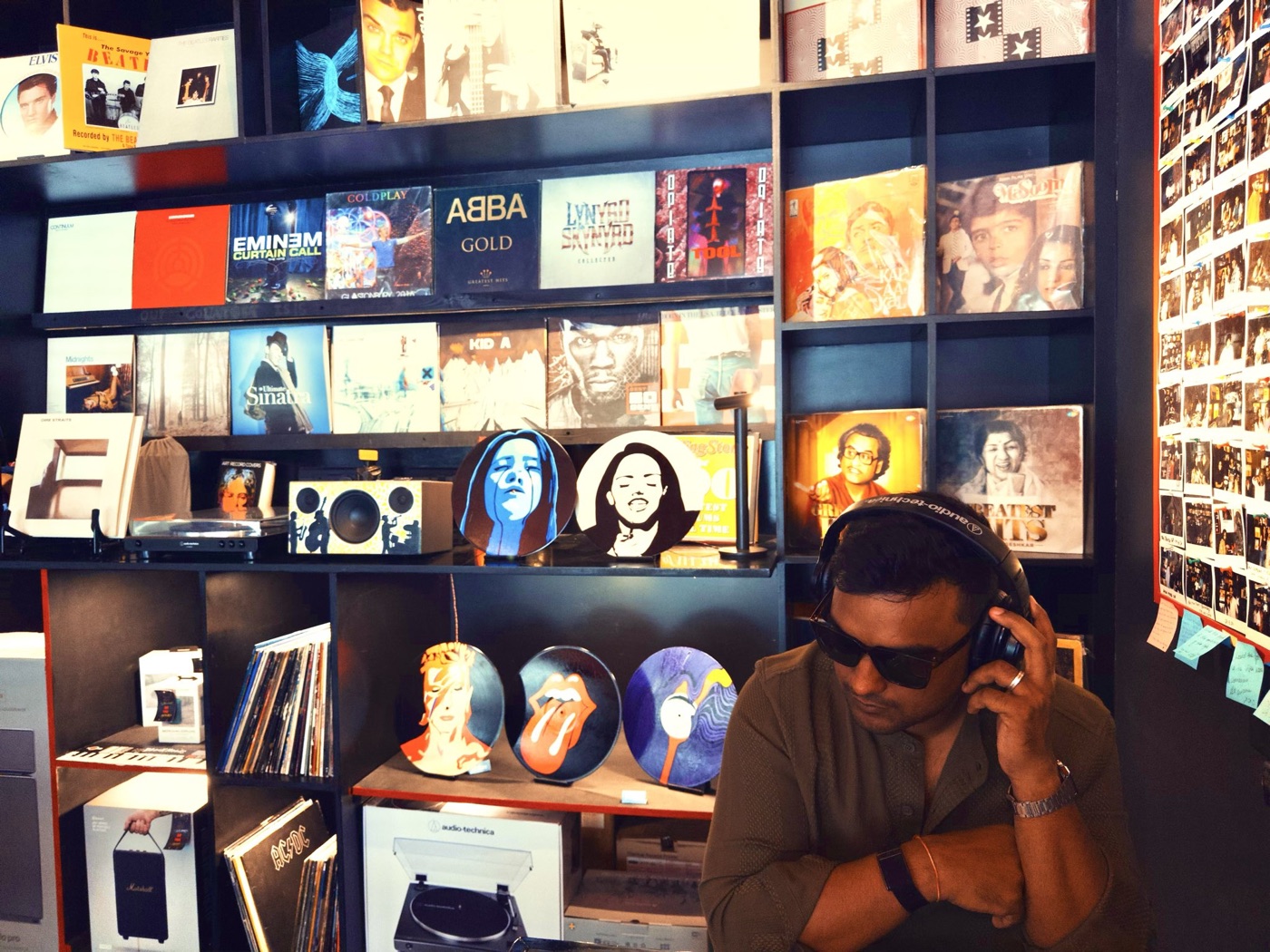
Hindi-medium kid from Bhind. Former accountant. Self-taught designer. I freelanced for 50+ clients across 4 countries, led brand at Polygon (100+ designs shipped), got laid off, and built Dacoit Design: $150K+ in the first 9 months, working around Base, dYdX, Solana, and MetaMask.
Now I ship my own apps: Mat is live on the App Store, and 5 of my products have hit top-5 on Product Hunt. I mentor designers at 10kdesigners (980+ alumni). Every session runs on that: what makes an app worth opening, what makes it stall, and how to get it out the door.
That's what you're getting in the room: taste, shipping judgment, and someone who has walked the road before you.
Rahul Singh BhadoriyaIndie builders, designers, and AI-native founders shipping an iOS or macOS app, whether you've never shipped, or you ship but it looks and sells like a side project.
No. It's me, live, screen-shared, on your app. Every session ends with concrete next moves.
No generic curriculum. The session starts at your blocker and stays on your app.
No, but if you do, we go faster. If you don't, I'll set you up in your own AI-native workflow.
The Context Hour, almost always. We'll diagnose the decision debt, what is blocking users or buyers from caring, and the cleanest next move: fix it yourself, book a Ship Block, or apply for a Ship Sprint.
Hire just a designer, you get pretty screens with no product behind them. Hire just a dev, you get a build nobody opens. I run brand, design, AI build, and ship as one person with one job: your app goes live. And I build from experience, not theory. My own app is on the App Store.
The app, the decisions, and your own AI-native workflow, all yours, running without me.
No. A Context Hour is not a production design sprint. You get diagnosis, direction, decisions, and a next shipping plan.
No. This is not cheap dev labor or a full app build. You leave knowing what to cut, what to fix, what should feel native, and what to ship next.
Your AI brief, the app or prototype (TestFlight or App Store link if it exists), screenshots or a screen recording, and the blocker you want solved.
Yes. That's where my depth is, and depth is what you're paying for.
Bring the messy prototype, TestFlight build, App Store page, or launch page. Leave knowing what to ship, what to kill, what to fix first, and why users should care.